Disclosure up front. We make PicDock, an Android app that turns a tablet into a photo frame, so we are not neutral. To keep this fair, every Nixplay detail below comes from Nixplay's own website and its Google Play listing, checked on October 15, 2026, with a link next to each fact — no reviews or press articles. Every PicDock detail comes from our public fact sheet. PicDock is listed on Google Play as "Photo Slideshow, Digital Frame" by DD_studio. There is a section on when a Nixplay frame is the better choice, and one on what PicDock cannot do.
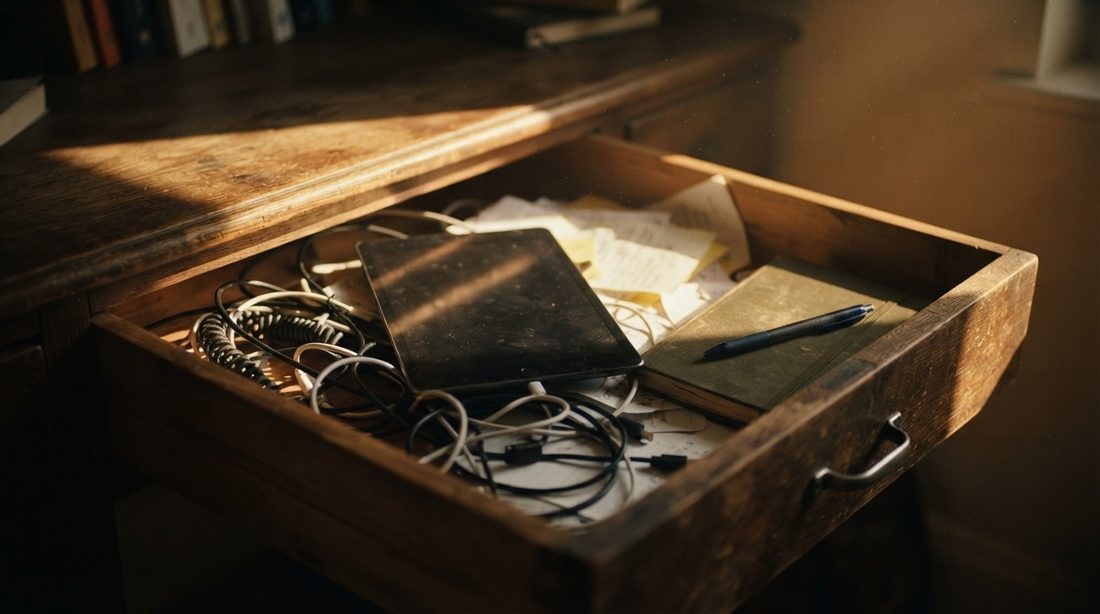
People search for a Nixplay alternative for different reasons: the cloud storage on the free plan, the yearly plan price, or simply because a spare tablet is already sitting in a drawer. This article is for the last group, and for anyone weighing a new frame against the hardware they already own.
Short answer:
- You already own a Nixplay frame and like it → Nixplay lists a free plan (500 MB of photo storage). Compare it with the paid plans below before you replace anything.
- You have a spare Android tablet → a photo frame app can turn it into a frame that reads photos from the tablet, Google Photos, Dropbox, OneDrive, iCloud Shared Albums or a NAS, without uploading them to a frame maker's cloud.
- You are buying a gift for parents with no tablet → a dedicated frame such as Nixplay is often the better present. See when Nixplay is the better choice.
What Nixplay offers today (from nixplay.com)
Nixplay sells Wi-Fi photo frames plus a cloud account that photos are uploaded to. The plan comparison page on nixplay.com (checked October 15, 2026) lists three plans:
| Free (Nixplay Basic) | US$19.99 / year | Nixplay Plus — US$29.99 / year | |
|---|---|---|---|
| Photo cloud storage | 500 MB | 100 GB | Unlimited |
| Video cloud storage | 500 MB | 5 GB | 50 GB |
| Video clip length | 15 seconds | 1 minute | 2 minutes |
| Frames per account | Up to 5 | Up to 10 | Up to 10 |
| Shared albums | 1 | Unlimited | Unlimited |
| Dropbox | "Connect Dropbox albums" | 1 Dropbox album | Unlimited Dropbox albums |
| Watch albums on supported TVs | Yes | 10 minutes | Unlimited |
| Where to buy | Free with every Nixplay account | "Available for purchase on our mobile app" | nixplay.com or the app |
Source: nixplay.com plan comparison, checked October 15, 2026. All three plans also list discounts on frames and prints.
On the Nixplay Plus page, Nixplay's FAQ says: "Our annual payment is just $29.99 (equal to $2.50 per month)", and that recurring payments are billed at the end of each term and can be cancelled at any time. The same page offers a gift version as "1 year prepaid, non-recurring", and the cart shows a 7-day free trial.
Frame prices. The comparison table on Nixplay's Classic 10.1" frame page (checked October 15, 2026) lists the Modern 10.1" at US$179.99 (regular US$199.99), the Classic 10.1" at US$169.99 (regular US$189.99) and the Big Classic 15.6" at US$329.99 (regular US$349.99). The 10.1-inch frames are 720p; the 15.6-inch is 1080p. Prices are US sale prices on that day and change often.
The Nixplay app. Nixplay's Android app is the companion for the frames: its Google Play listing describes it as a way to "Share the moments you capture by sending photos directly to a Nixplay WiFi Frame". On October 15, 2026 the listing showed 1M+ downloads, a 2.2 rating from 3.97K reviews, in-app purchases, and an update dated Sep 29, 2026.
What we did not include. Nixplay's plans have a history that many searchers ask about, but Nixplay's help center now asks visitors to sign in, so we could not check past plan changes on an official page today. We describe only the plans published on nixplay.com on October 15, 2026.
When a Nixplay frame is the better choice
A tablet is not always the right answer. Nixplay, or another dedicated frame, is the better pick when:
- There is no spare tablet. A tablet with a cracked screen, a swollen battery or Android older than 7.0 is not worth rescuing. Buying a new tablet just to use as a frame is rarely cheaper or simpler than buying a frame.
- It is a gift that should work out of the box. Nixplay's frame page lists "Gift-Ready: Pre-load your Nixplay frame with photos, videos, and a gift message in the app before it's opened", and a "Premium gift box, no price tag" (source). A tablet frame needs someone to set it up first.
- Family members want to send photos by email. Nixplay says you can "Upload your photos and videos to Nixplay albums or send them to your Nixplay email address" (source). PicDock has no email-to-frame address.
- You want to manage the frame from a phone app. Nixplay's app finds the frame on the same Wi-Fi, controls its settings and sends photos to it (Play listing). With a tablet frame, settings are changed on the tablet itself.
- The frame should be a frame and nothing else. A tablet still has notifications, other apps and system updates. Nixplay's frame also lists a motion sensor that turns the screen on and off.
The alternative: an Android tablet with a photo frame app
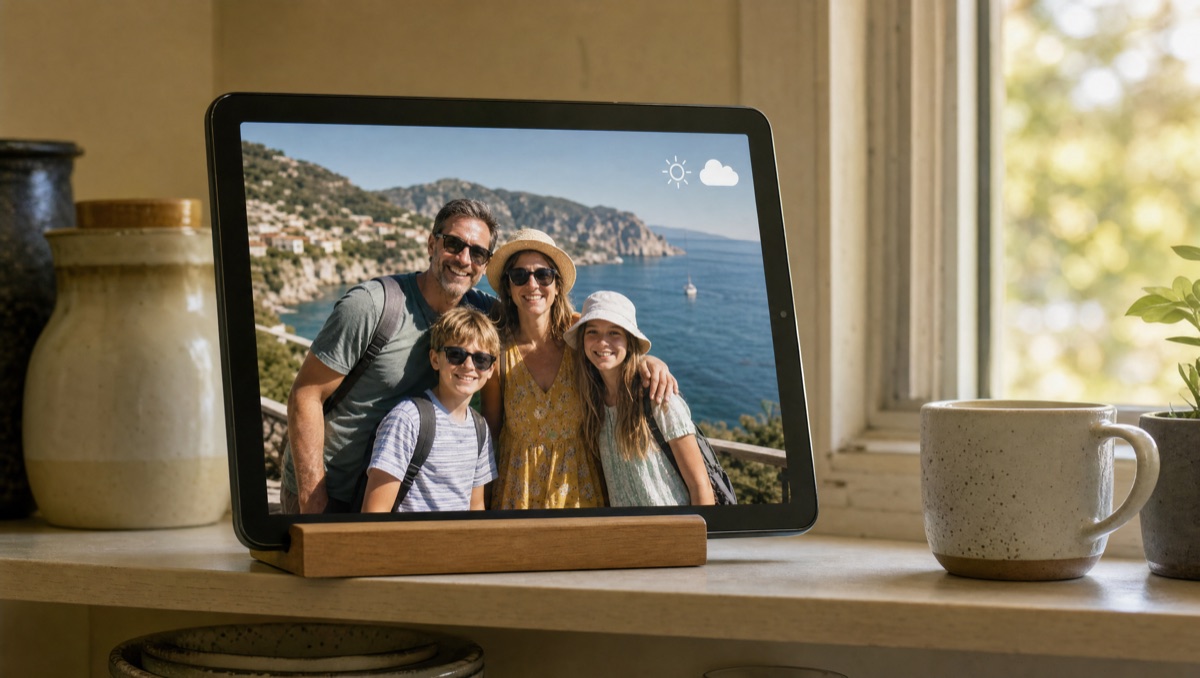
If a working Android tablet (or an Android TV) is already in the house, a photo frame app can do most of what a Wi-Fi frame does. With PicDock:
- Photos stay where they already are. Sources are device storage, Google Photos (via the official picker; picked photos are saved on the device and play offline), Dropbox, OneDrive, iCloud Shared Albums and NAS / SMB shares, or several of them combined in one slideshow. Nothing is uploaded to a frame maker's cloud, so there is no frame storage quota to manage.
- Family adds photos remotely through a shared folder. Point the frame at a Dropbox or OneDrive folder or an iCloud Shared Album; anyone who can add files there adds them to the frame. Cloud and NAS sources refresh automatically, so new photos appear without touching the tablet.
- It behaves like a frame. The slideshow can start by itself when the charger is connected (or on boot) and keeps the screen on; night mode dims the screen on a schedule, and a sleep schedule can turn it off at night.
- It shows more than photos. A clock and current weather sit over the slideshow; dual mode shows two portrait photos side by side on a landscape screen; videos play from the device.
Cloud and NAS sources are Android-only: PicDock's separate iPhone and iPad app ("PicDock - Live Photo Slideshow") shows the photo library on the device. Setup guides: turn an old tablet into a frame · always-on tablet frame · Dropbox folder · OneDrive folder · iCloud Shared Album.
Nixplay frame vs. a tablet you already own
| Nixplay frame | Your Android tablet + PicDock | |
|---|---|---|
| Hardware cost | US$169.99–US$329.99 (nixplay.com, Oct 15, 2026) | Already owned |
| Where photos live | Nixplay cloud (500 MB free; 100 GB or unlimited on paid plans) | On the tablet, in your cloud folder or on your NAS |
| Remote photo sending | Nixplay app, web, email address | Shared Dropbox / OneDrive folder, iCloud Shared Album, NAS |
| Gift-ready setup | Yes, preload before opening | Someone has to set up the tablet |
| Clock and weather on screen | Not stated on the pages we checked | Yes |
| Ongoing cost | Free plan, or US$19.99 / US$29.99 per year | Free; optional Premium (lifetime, yearly or monthly) |
What PicDock does not do
- No email-to-frame. Family members add photos through a shared cloud folder or album, not by email.
- No Google Drive. Google Drive is not a supported photo source.
- No video from cloud sources. Videos play from device storage and, as an opt-in beta, from a NAS / SMB share; videos in Google Photos, Dropbox, OneDrive or iCloud Shared Albums are not played.
- Google Photos is a picker, not a live album. You pick photos and they are saved on the device; newer photos have to be picked again.
- No import from Nixplay. PicDock does not read a Nixplay account. Use the originals you already have on your phone, in the cloud or on a NAS.
- It needs a working tablet. Android 7.0 or later; the tablet's own screen, battery and stand are what you get.
What it costs
PicDock on Google Play is free to download, and every photo source except web upload is free, with no time limit; new installs get a 7-day trial of all features. Optional Premium (more transitions, forecasts, clock designs, the pet filter and more) is available as a lifetime purchase (US$19.99), or a yearly or monthly subscription — prices are shown in the app and vary by country. The Amazon Appstore version for Fire tablets is a US$4.99 paid app. Full details: PicDock facts page.
FAQ
Does Nixplay have a free plan, or do I need Nixplay Plus?
Nixplay has a free plan: its plan comparison lists 500 MB of photo storage, 500 MB of video storage, 15-second clips, up to 5 frames and 1 shared album. The paid plans are US$19.99 per year (100 GB) and Nixplay Plus at US$29.99 per year (unlimited photo storage).
What is a good Nixplay alternative if I already have a tablet?
A photo frame app on the tablet. PicDock (ours) reads photos from the device, Google Photos, Dropbox, OneDrive, iCloud Shared Albums or a NAS, starts with the charger and shows a clock and weather. Every photo source except web upload is free; Premium is lifetime, yearly or monthly.
When is a Nixplay frame better than a tablet?
When there is no spare tablet, when the gift should arrive ready in its box, when family members want to email photos to the frame, or when you want to manage the frame from the Nixplay app.
Can family members add photos to a tablet frame remotely?
Yes, with PicDock on Android, through a shared Dropbox or OneDrive folder, an iCloud Shared Album or a NAS share, refreshed automatically. There is no email-to-frame address.
In short
If you already have a working Android tablet, try it as a frame before buying one: your photos stay in the places they already live. If there is no tablet, or the frame is a gift for someone who will never open a settings screen, a dedicated frame like Nixplay is the simpler choice — check Nixplay's current plans on its own site first. Weighing the gift question? Read our photo frame gift guide for parents, and for other frame brands, Frameo alternatives for Android and Aura or Skylight frame alternatives.
Get PicDock on Google Play · PicDock facts · Frameo alternatives · Aura or Skylight alternative · Gift guide for parents