Disclosure up front. We make PicDock, an Android app that turns a tablet into a photo frame, so we are not neutral. To keep this fair, every Aura and Skylight detail below comes from the makers' own websites and Google Play listings, checked on October 15, 2026, with a link next to each fact — no reviews or press articles. Every PicDock detail comes from our public fact sheet. PicDock is listed on Google Play as "Photo Slideshow, Digital Frame" by DD_studio. Both frames do several things better than a tablet, and we list them.
Aura and Skylight are two of the best-known Wi-Fi photo frames, and both are popular gifts. If you are choosing one, you may also have an Android tablet that nobody uses any more. This article compares the two routes.
Short answer:
- A gift for parents who will never open a settings screen → a dedicated frame. Both Aura and Skylight can be preloaded with photos before the box is opened.
- Family members want to text or email photos to the frame → Aura (text and email) or Skylight (its own email address per frame).
- You want a live Google Photos album on the frame → Aura syncs whole albums; PicDock uses the Google Photos picker instead.
- You already have a working Android tablet, and your photos live in Dropbox, OneDrive, an iCloud Shared Album or on a NAS → try the tablet first with a photo frame app.

Aura: what auraframes.com says
- Frames and prices (US, auraframes.com, October 15, 2026): Carver 10" US$149, Carver Mat 10" US$179, Aspen 12" US$229, Walden 15" US$299, and Aura Ink 13" (an e-paper frame) US$499.
- A subscription is not required, per Aura. The home page lists "Unlimited photos and videos"; the gifting page answers "Does an Aura frame require a subscription?" with "No, an Aura frame does not require a subscription. You can add unlimited photos and videos with no ongoing fees". Uploads are "stored securely on Aura's cloud servers".
- Ways to add photos. Aura lists the Aura app, email, iCloud, Google Photos and text-to-frame (gifting page), plus a web uploader (Google Photos article).
- Google Photos albums. Aura's own article says you can "sync an entire Google Photos album to automatically update Aura frames as new photos are added" (source).
- Text to frame. Invited contacts can text photos to the frame without the app; Aura states it is "available for iOS and Android users with a US phone number in the United States" (source).
- Gifting. Frames can be set up and preloaded before delivery, and "Every Aura frame also arrives in a premium, gift-ready box" (gifting page). The home page lists free 90-day returns.
- The Aura app on Google Play ("Aura Frames" by Aura Home, Inc.): 1M+ downloads, 4.8 from 30.1K reviews, updated Oct 10, 2026. It connects the frame to Wi-Fi, chooses photos and invites family members.
Skylight: what myskylight.com says
- Frames and prices (US, Skylight Frame page, October 15, 2026): 10" Frame US$139.99 (regular US$159.99), 15" Frame US$299.99, 10" Frame 2 US$209.99. The 10" frame is listed as 1280×800 with 8 GB of storage ("up to 8,000 photos").
- Plans. The Skylight Plus page lists Basic, free: send photos "By email or mobile app anytime from anywhere". Plus, US$39/year ("Cancel any time") adds videos and captions, remote settings, albums and slideshow mirroring to a TV. The FAQ says one subscription covers all your frames, and that videos can be up to 1 minute long.
- Email address per frame. "Pick a unique Skylight email address for your frame", then "Send photos to the frame by app or email" (Skylight Frame overview). Senders need "no account or subscription" (product page).
- Gift Mode and offline mode. "Preload your favorite photos – without ever unboxing Skylight", and existing photos keep playing without Wi-Fi (product page). Skylight lists 4-month free returns.
- The Skylight app on Google Play ("Skylight Frame", shared with Skylight Calendar): 1M+ downloads, 4.0 from 27.6K reviews, in-app purchases, updated Oct 10, 2026. For the frame it lists adding photos via app or email, and video uploads marked [PLUS].
When Aura or Skylight is the better choice
Be honest about who will live with the frame. A dedicated frame wins when:
- The recipient has no tablet, or the spare one has a cracked screen, a tired battery or Android older than 7.0.
- It should arrive ready, in its box. Both makers support preloading photos before the frame is unboxed, and Aura ships in a gift-ready box. A tablet frame has to be set up by someone first.
- Family members want to text or email photos. Aura accepts email and (in the US) text messages; Skylight gives each frame its own email address. PicDock has neither: family adds photos through a shared cloud folder or album.
- You want a live Google Photos album. Aura syncs whole albums automatically. PicDock picks photos instead (see below).
- You want to manage it from far away. Both makers have a phone app for the frame (Skylight's remote settings are part of Plus). With a tablet, settings are changed on the tablet.
- It should be a frame and nothing else — no notifications, no other apps, no system updates.
The alternative: an Android tablet you already own
If a working Android tablet (Android 7.0 or later) is already in the house, a photo frame app can turn it into a frame. With PicDock:
- Photos stay where they already are. Sources are device storage, Google Photos (via the official picker; picked photos are saved on the tablet and play offline), Dropbox, OneDrive, iCloud Shared Albums and NAS / SMB shares — or several combined into one slideshow. Nothing is uploaded to a frame maker's cloud.
- Family adds photos through a shared folder. Point the frame at a Dropbox or OneDrive folder or an iCloud Shared Album; anyone who can add files there adds them to the frame. Cloud and NAS sources refresh automatically.
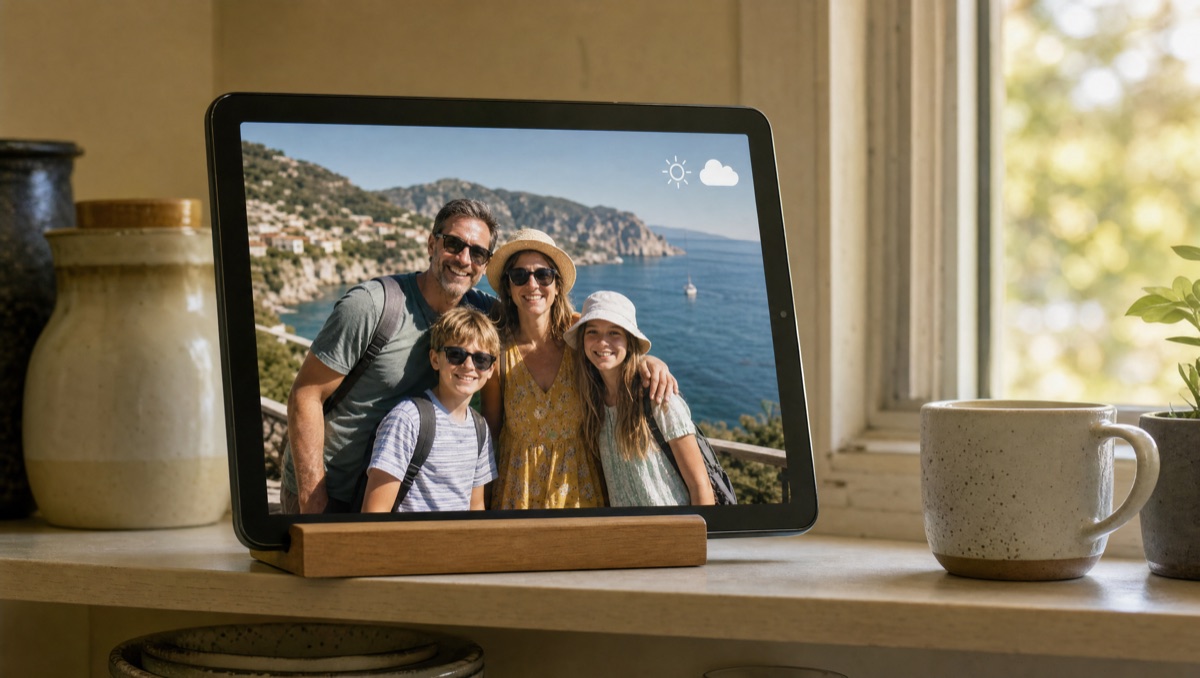
- It behaves like a frame. The slideshow can start by itself when the charger is connected (or on boot) and keeps the screen on; night mode dims on a schedule, and a sleep schedule can turn the screen off at night.
- More on screen than photos. A clock and current weather over the slideshow, dual mode for two portrait photos side by side, and video playback from the device.
Cloud and NAS sources are Android-only: PicDock's separate iPhone and iPad app ("PicDock - Live Photo Slideshow") shows the photo library on the device. Setup guides: turn an old tablet into a frame · always-on tablet frame · iCloud Shared Album · OneDrive folder · Dropbox folder.
Side by side
| Aura | Skylight | Your Android tablet + PicDock | |
|---|---|---|---|
| Hardware (US, Oct 15, 2026) | US$149–US$299 (Ink 13": US$499) | US$139.99–US$299.99 | Already owned |
| Ongoing cost | Not required, per Aura ("no ongoing fees") | Basic free; Plus US$39/year | Free; optional Premium (lifetime, yearly or monthly) |
| Where photos live | Aura's cloud, unlimited | Sent to the frame; the 10" holds "up to 8,000 photos" (8 GB) | On the tablet, your cloud folder or your NAS |
| Sending photos | App, email, iCloud, Google Photos, text (US) | App or email | Shared Dropbox / OneDrive folder, iCloud Shared Album, NAS, Google Photos picker |
| Live Google Photos album | Yes (album sync) | Not stated on the pages we checked | No (picker; re-pick for new photos) |
| Preload as a gift | Yes | Yes (Gift Mode) | Someone sets up the tablet |
| Clock and weather on screen | Not stated on the pages we checked | Not stated on the pages we checked | Yes |
| NAS / SMB folders | Not stated | Not stated | Yes (Android) |
What PicDock does not do
- No email or text-to-frame. Photos arrive through a shared cloud folder or album, not by email or SMS.
- No Google Drive. Google Drive is not a supported photo source.
- No video from cloud sources. Videos play from device storage and, as an opt-in beta, from a NAS / SMB share; videos in Google Photos, Dropbox, OneDrive or iCloud Shared Albums are not played.
- Google Photos is a picker, not a live album. You pick photos and they are saved on the tablet; newer photos have to be picked again. Aura does this better.
- No remote control of the tablet's settings from another phone; changes are made on the tablet.
- It needs a working tablet — Android 7.0 or later, with a screen and battery you trust to sit on a charger.
What it costs
PicDock on Google Play is free to download, and every photo source except web upload is free, with no time limit; new installs get a 7-day trial of all features. Optional Premium (more transitions, forecasts, clock designs, the pet filter and more) is available as a lifetime purchase (US$19.99), or a yearly or monthly subscription — prices are shown in the app and vary by country. The Amazon Appstore version for Fire tablets is a US$4.99 paid app. Full details: PicDock facts page.
FAQ
Does an Aura frame need a subscription?
Aura says no: its gifting page answers that question with "No" and says you can add unlimited photos and videos "with no ongoing fees". Frames were listed from US$149 to US$299 (Aura Ink 13": US$499).
What does Skylight Plus add to a Skylight Frame?
According to Skylight's plan page: Basic (free) sends photos by email or app; Plus (US$39/year) adds videos and captions, remote settings, albums and slideshow mirroring. One subscription covers all your frames.
Can an old Android tablet replace an Aura or Skylight frame?
For many homes, yes: a photo frame app such as PicDock (ours) reads the device, Google Photos (picker), Dropbox, OneDrive, iCloud Shared Albums or a NAS, starts with the charger and adds a clock and weather. A dedicated frame is still better as a ready-to-open gift, for parents who will never touch settings, or for emailing and texting photos.
Which is better for Google Photos albums, Aura or a tablet?
Aura, if you want a live album: it syncs whole Google Photos albums. PicDock uses the picker, so newer photos have to be picked again. For an always-updating shared folder on a tablet, use Dropbox, OneDrive, an iCloud Shared Album or a NAS.
In short
Buying for someone without a tablet, or who wants photos to simply arrive by text or email? Aura or Skylight — check their current prices on their own sites. Already own a working Android tablet, and your family's photos sit in a shared folder or on a NAS? Try the tablet first. If you are weighing a gift, read our photo frame gift guide for parents; for other frame brands, see Frameo alternatives for Android and Nixplay alternative.
Get PicDock on Google Play · PicDock facts · Frameo alternatives · Nixplay alternative · Gift guide for parents