Disclosure: we build PicDock, one of the apps below, so this page is not neutral. To keep it useful anyway, every statement about another app comes from that app's public Google Play listing (US English) or Google's own help pages, all checked on 24 September 2026 and linked under Sources. Where another app fits a use case better, we say so.
By PicDock we mean PicDock by DD_studio, listed on Google Play as “Photo Slideshow, Digital Frame”. It is not related to the macOS image organizer also called PicDock (picdock.app), which is a different product by a different developer.
The short answer
- One tablet, photos in several places, clock and weather on screen: PicDock or Fotoo.
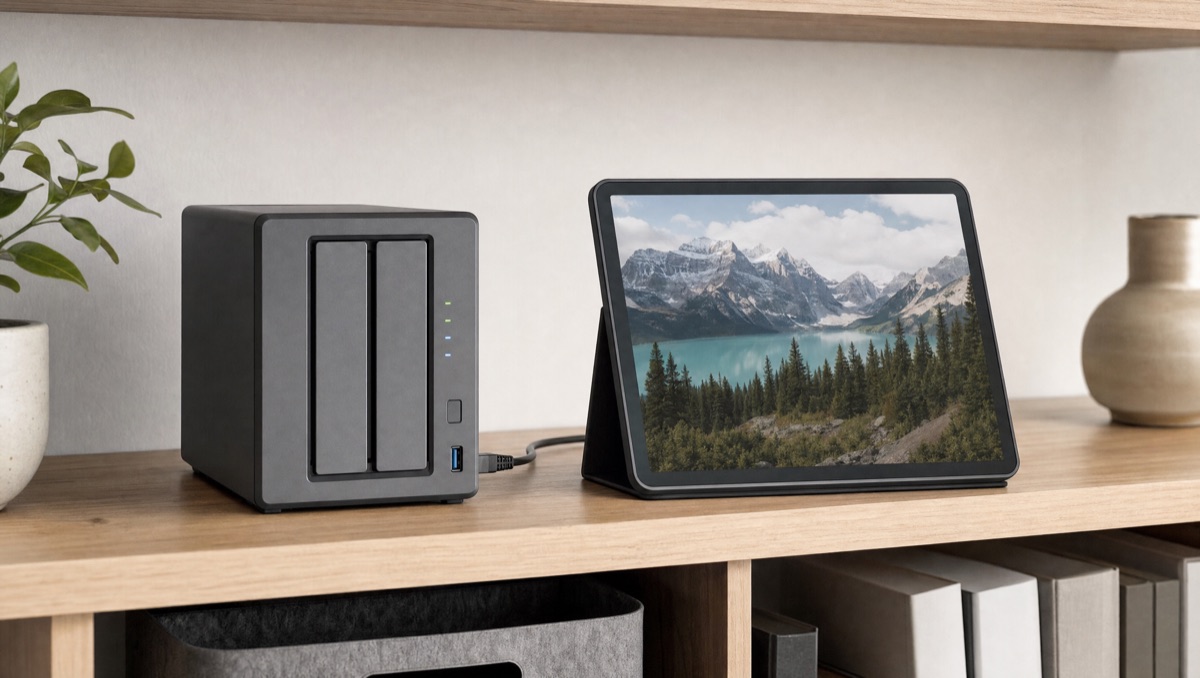
- Photos on a NAS: nFolio (SMB and DLNA), PicDock or Fotoo (SMB). FrameSway if you use Synology Photos albums.
- Everything is in Google Photos: the built-in screen saver on a Pixel Tablet or Google TV, otherwise PixFolio or Fotoo.
- Everything is in one cloud: SkyFolio (OneDrive) or dfolio (Dropbox).
- Family should send photos to a grandparent's frame from their phones: a Frameo hardware frame. This is not a job for a spare tablet.
Comparison table
| App (developer) | Best for | Photo sources (as listed) | Video | Price model (Google Play) | Play rating · downloads |
|---|---|---|---|---|---|
| PicDock — “Photo Slideshow, Digital Frame” (DD_studio) | An always-on tablet frame with clock, weather and several sources mixed | Device, Google Photos (picker), Dropbox, OneDrive, iCloud Shared Albums, NAS/SMB, web upload; no Google Drive | Yes, from device storage; NAS/SMB video is an opt-in beta | Free version with all sources; Premium US$19.99 lifetime, or yearly/monthly subscription | 4.46 (141) · 10K+ |
| Fotoo (Bopp Studio) | The widest cloud list, including Google Drive | Device, Google Photos, Dropbox, Google Drive, OneDrive, Samba/SMB | Release notes mention video playback | Free download; in-app purchases US$24.99–39.99 per item | 3.83 (6,701) · 1M+ |
| Frameo (Frameo) | Sending photos to a relative's Frameo frame | Photos and videos sent from invited people's phones | Clips up to 15 s; up to 2 min with Frameo+ | Free to send; Frameo+ US$1.99/mo or 16.99/yr; Premium US$7.99/mo or 69.99/yr | 4.76 (145,209) · 5M+ |
| PixFolio (Snapwood Apps) | Google Photos on a tablet or Android TV | Google Photos (login required), plus local photos | Yes (listed) | In-app purchases US$3.99–34.99 per item | 3.87 (5,166) · 1M+ |
| SkyFolio (Snapwood Apps) | OneDrive-only households | OneDrive, with offline sync | Yes (listed) | In-app purchases US$3.99–34.99 per item | 4.31 (1,169) · 100K+ |
| dfolio (Snapwood Apps) | Dropbox-only households | Dropbox, with auto-refresh | Yes (listed) | In-app purchases US$3.99–34.99 per item | 4.47 (721) · 50K+ |
| nFolio (Snapwood Apps) | NAS and media-server libraries | SMB shares, DLNA/UPnP servers (Synology, Plex, Emby, Jellyfin and others listed), local | Yes (listed) | In-app purchases US$3.99–24.99 per item | 3.91 (631) · 10K+ |
| PhotoStreamr (CYB Studio) | A simple frame with internet radio | Google Photos, device, SMB/CIFS | Not stated | Contains ads; in-app purchases | No rating shown · 1K+ |
| FrameSway (Maandrik, Lda) | Synology Photos albums, without SMB setup | Device, Synology Photos, OneDrive | Live Photos clips (Premium) | 30-day trial; basic slideshow stays free; Premium one-time payment (US$0.99–14.99 per item) | No rating shown · 500+ |
| Google Photos screen saver (built in) | Pixel Tablet or Google TV owners | Google Photos albums you select | Not stated | Free, part of the device | — |
Ratings, download counts, prices and features are from each Google Play listing (US English) or Google help page on 2026-09-24. Prices are US list prices and vary by country. “In-app purchases … per item” is the range Google Play shows; it does not say which items are one-time or recurring.
The apps, one by one
PicDock — “Photo Slideshow, Digital Frame” (ours)
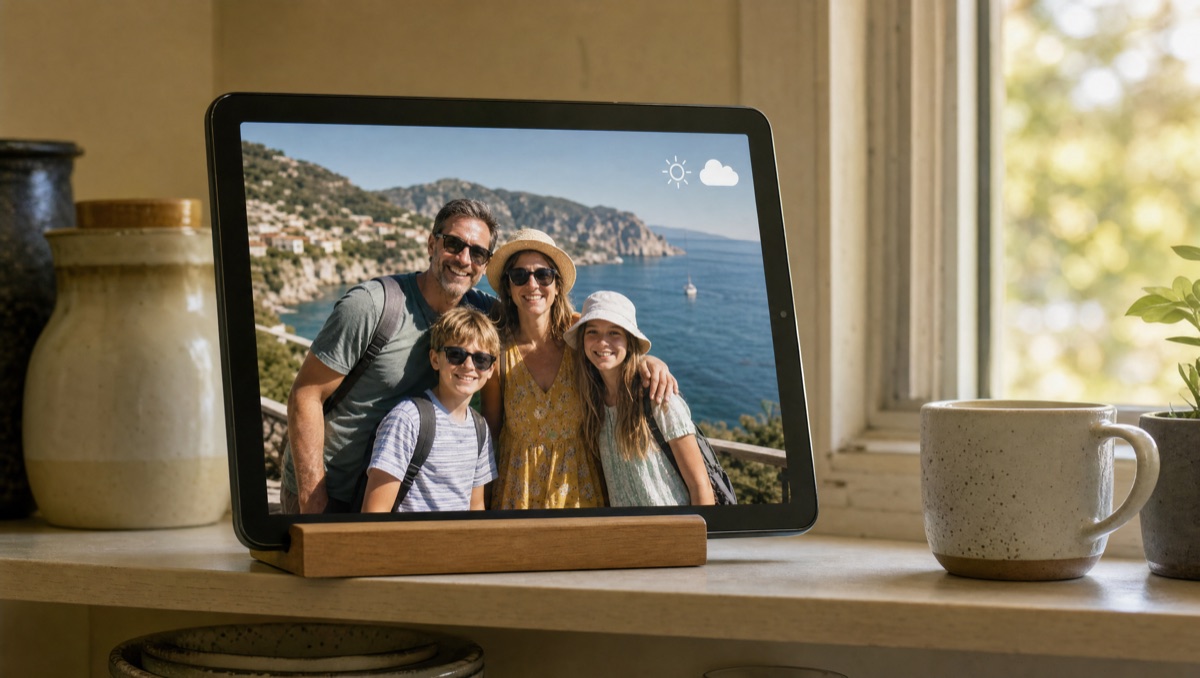
PicDock is built for one setup: a spare Android tablet or phone on a shelf, always on, showing your photos with a clock and live weather on top. It can mix device storage, Google Photos, Dropbox, OneDrive, iCloud Shared Albums and NAS/SMB shares into one slideshow, and it refreshes cloud and NAS sources automatically, so new files in a chosen folder appear without touching the tablet. It starts the slideshow when the charger is connected, has a night mode and a sleep schedule, and can pair two portrait photos side by side on a landscape screen. Videos from device storage play in the same slideshow; NAS videos are an opt-in beta.
Where it falls short: no Google Drive. Google Photos works through the official picker, so you choose the photos and PicDock stores them on the device. It does not follow a Google Photos album by itself. It is also a young app with a small install base (10K+).
Price: the Google Play version is free with no time limit, and all photo sources, video playback and the face detection filter are included. Premium, which adds all 30+ transitions, forecasts, extra clock designs and removes ads, is US$19.99 as a lifetime one-time purchase, or a yearly or monthly subscription. Ads never appear on the slideshow itself. On Fire tablets, the Amazon Appstore edition is a paid app at US$4.99 with all features and no in-app purchases. Full details: PicDock fact sheet.
Fotoo — the most-installed option
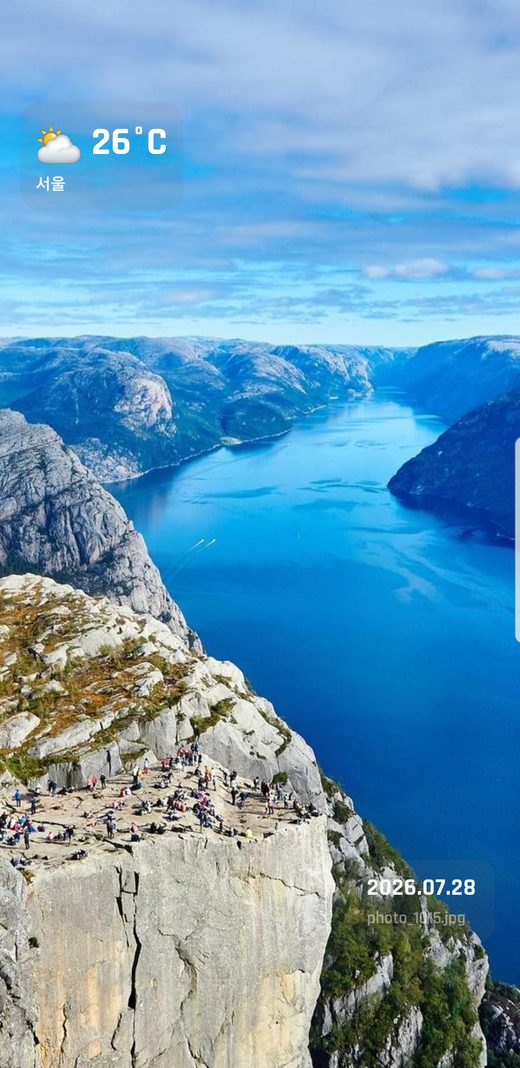
Fotoo (Bopp Studio) has 1M+ downloads and the broadest list of cloud sources here: Google Photos, Dropbox, Google Drive, OneDrive and Samba/SMB, plus the device gallery. Its listing covers weather and time, background music, scheduled auto-play and screensaver mode. Its latest release notes add Google Photos Ambient support, the Google API designed for frame-style displays, and mention improved video playback. If you need Google Drive, Fotoo is the choice on this list. Google Play shows in-app purchases of US$24.99–39.99 per item.
Frameo — a different kind of product
Frameo is often compared with tablet apps, but it is not one. According to its listing, “The Frameo app only works with official Frameo WiFi photo frames.” Family members connect to a frame with a code and send up to 10 photos or 15-second videos at a time, free. Frameo+ (US$1.99/month or US$16.99/year) raises that to 100 photos and 2-minute clips, adds cloud backup, and lets the sender hide or delete photos on the frame. Frameo Premium (US$7.99/month or US$69.99/year) adds calendar features. Its 4.76 rating from 145,000+ reviews is the highest in this comparison.
PixFolio, SkyFolio, dfolio and nFolio — one app per source
Snapwood Apps makes a family of single-source apps. Their listings describe similar features: clock, weather and photo info, photo and video slideshows, Android TV support and Chromecast casting.
- PixFolio for Google Photos (you log in to Google Photos; local photos can be added).
- SkyFolio for OneDrive, with offline sync of display-sized copies.
- dfolio for Dropbox, with auto-refresh when you add new photos.
- nFolio for NAS: SMB shares and DLNA/UPnP servers. The listing names Synology, Plex, Emby, Jellyfin, Serviio, Twonky and JRiver as tested servers.
If all your photos live in one service, a dedicated app like these is simpler than a multi-source app.
PhotoStreamr
A smaller frame app (1K+ downloads) with Google Photos, device storage and SMB/CIFS shares, weather and clock widgets, scheduled start/stop, and background music that can include internet radio streams. The listing shows “Contains ads” and in-app purchases. Last updated February 2026.
FrameSway
A new app (500+ downloads) that talks to Synology Photos directly, so you pick Synology Photos albums instead of mounting an SMB share. It also reads the device gallery and OneDrive, and plays Live Photos clips. It has a 30-day full trial; after that the basic sequential slideshow stays free, and the advanced features need a one-time Premium purchase.
No app at all: Google's built-in screen savers
If you own a Pixel Tablet, you may not need an app. Google's help page says it can show a Google Photos slideshow of albums you choose while it is locked and charging, or docked and charging (some steps need Android 15 or later). On Google TV, ambient mode can show selected Google Photos albums with the time and weather. These are device features. They are not apps you install on any tablet.
cloudtv.dayframe) returned “Not Found” when we checked on 2026-09-24, and its developer wrote that work on it stopped years ago. The current app named “dayframe” on Google Play is an unrelated photo-recap app.
Which should you pick?
You keep photos on a NAS (Synology, QNAP, a Windows share)
nFolio has the broadest network support (SMB plus DLNA/UPnP servers such as Plex and Jellyfin). PicDock reads SMB shares in its free version and can mix them with cloud sources and device storage in one slideshow. Fotoo and PhotoStreamr also list SMB. If your library is organized in Synology Photos albums, FrameSway connects to those albums directly. Our guide: Show your NAS photos on a tablet frame.
Your photos are in Google Photos
If you have a Pixel Tablet or a Google TV device, try the built-in screen saver first. It is free and follows the albums you select. On other tablets, PixFolio is built around Google Photos, and Fotoo lists Google Photos Ambient support. PicDock works if you prefer to hand-pick a set once and have it play offline, but it will not pull in new photos from a Google Photos album by itself.
You want family to send photos to a grandparent, remotely
Frameo is the better answer here. The grandparent plugs in a Frameo frame, and everyone else sends photos from the Frameo app on their phones. Nobody has to set up a tablet, and the frame gets photos from many people without a shared account. A tablet app can do something similar with a shared Dropbox or OneDrive folder (PicDock and dfolio refresh such folders automatically), but someone still has to set up the tablet and keep it charged and on Wi-Fi. For a relative who will never open a settings screen, buy the hardware frame.
You want photos and videos in one slideshow
PicDock mixes device videos into the photo slideshow (NAS video as an opt-in beta). The Snapwood apps list video slideshows for their sources. More on what to check: Photo frame apps that also play videos.
You use a Fire tablet
PicDock has an Amazon Appstore edition: a paid app at US$4.99, with all features and no in-app purchases or ads. We did not verify the Amazon availability of the other apps for this article.
You need Google Drive
Fotoo. PicDock does not support Google Drive.
FAQ
What is the best app to turn an Android tablet into a digital photo frame?
It depends on where your photos are. PicDock and Fotoo are the two broadest general-purpose options. For a NAS, look at nFolio, PicDock and Fotoo. For Google Drive, Fotoo. For photos sent remotely to a grandparent, a Frameo frame.
Can I use the Frameo app on my own tablet as the frame?
According to its Google Play listing, no: the Frameo app only works with official Frameo Wi-Fi frames.
Which apps play videos?
PicDock (device storage; NAS as opt-in beta), PixFolio, SkyFolio, dfolio and nFolio (per their listings), and Fotoo (per its release notes). Frameo frames receive short clips.
Is PicDock the same as the Mac app PicDock?
No. This PicDock is the Android photo frame app by DD_studio. The macOS app at picdock.app is an unrelated product.
How much does PicDock cost?
Free on Google Play, with all photo sources and video. Premium is US$19.99 lifetime (one-time) or a yearly or monthly subscription; prices vary by country. The Amazon Appstore edition for Fire tablets is paid, at US$4.99.
Try PicDock on your own tablet
The free version has no time limit and includes every photo source.
Get PicDock on Google PlaySources
All checked 2026-09-24. Google Play listings viewed in US English (hl=en_US, gl=US).
- PicDock: Google Play and the PicDock fact sheet
- Fotoo: Google Play listing (description and “What's new”)
- Frameo: Google Play listing
- PixFolio: Google Play listing
- SkyFolio: Google Play listing
- dfolio: Google Play listing
- nFolio: Google Play listing
- PhotoStreamr: Google Play listing
- FrameSway: Google Play listing
- Pixel Tablet screen saver: Google Pixel Tablet Help
- Google TV ambient mode: Google TV Help
- Dayframe: former Google Play URL (returns Not Found) and the developer's blog
Something out of date or wrong? Email devdad.code@gmail.com and we will correct it.